Products
Four products. One restaurant.
They share one menu, one set of staff and one set of books, so there is nothing to retype and nothing to reconcile. More products, including retail, are on the way.
The till
KOT POS
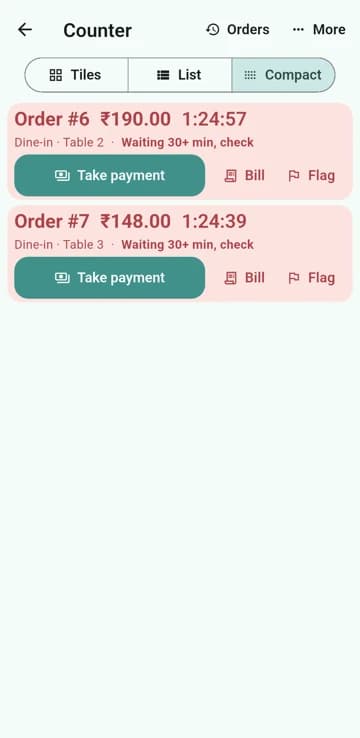
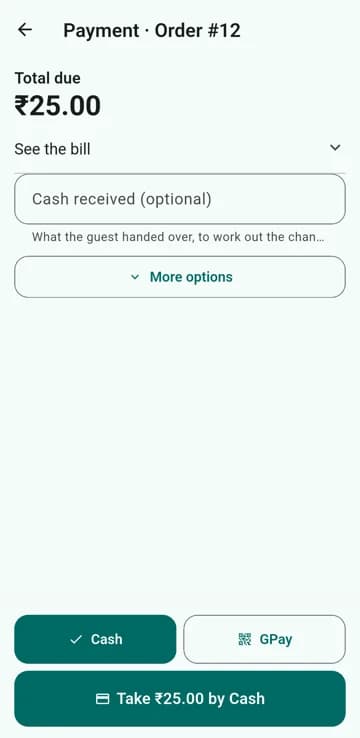
The point of sale your cashiers will actually enjoy. Orders go to the kitchen the moment you press send.
- Dine-in, parcel and online orders on one counter, in tiles, a list or a compact view.
- One-tap payment: Cash and GPay first, then UPI QR, credit, split bills and tips.
- Keeps taking orders and payments when the internet drops, and catches up on its own.
- Prints kitchen tickets and bills on thermal printers.
- Expenses and salary entered in seconds, with a closing balance that matches your ledger.
The pass
Kitchen Display
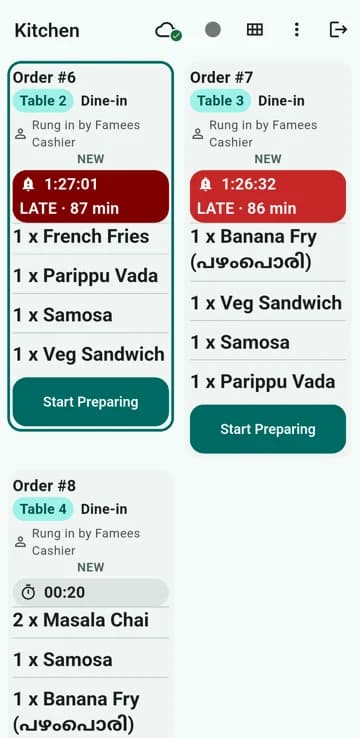
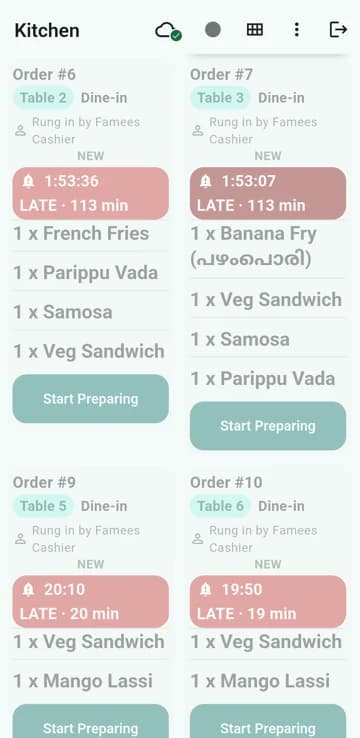
Replace the paper rail with a screen that tells the kitchen what is next, what is late and what is ready.
- Every ticket shows its table, order type, who rang it in and how long it has waited.
- Late orders turn red on their own, so nobody has to watch the clock.
- Focus on up to two tickets at once, with dish names big enough to read from the stove.
- A chime for each new order that you can switch off.
- Tap to start, tap to finish. The till knows the moment an order is ready.
The owner
Admin console
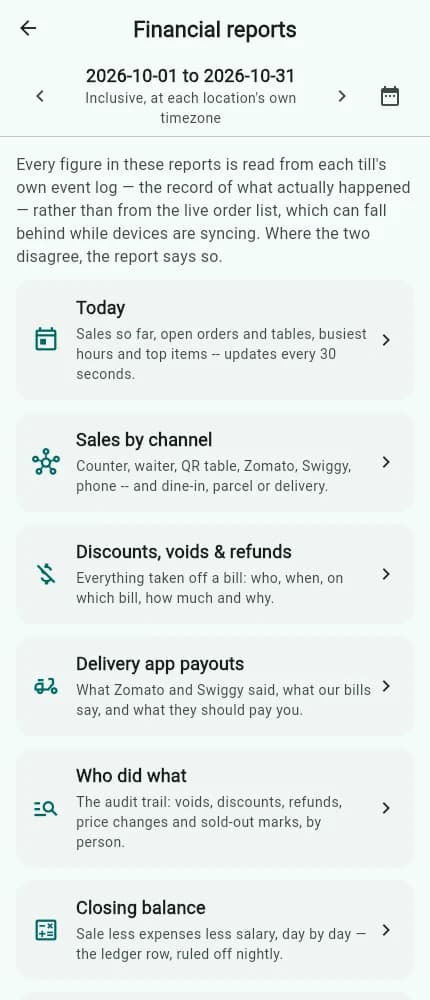
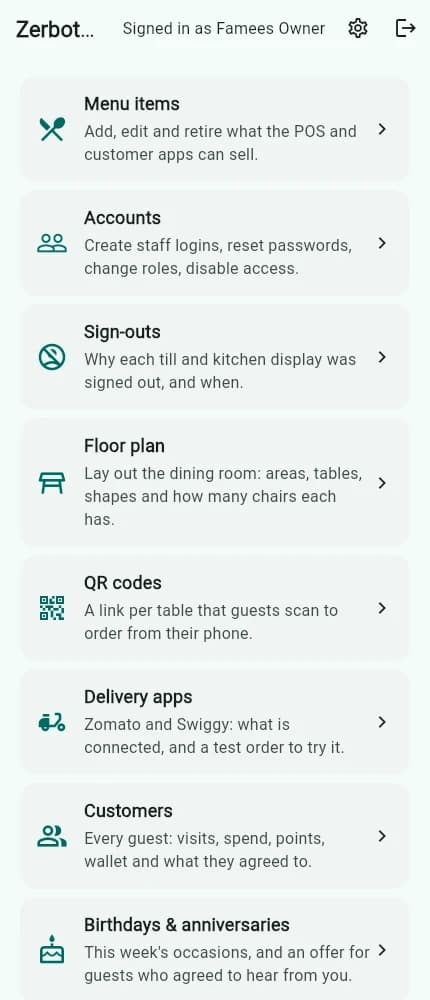
Everything the owner needs to run the shop, on the phone in your pocket.
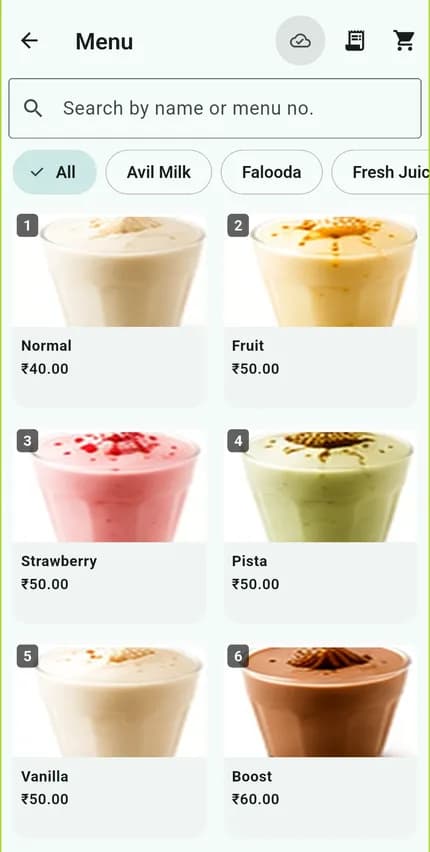
- Menu items, prices and availability, changed once and updated on every till.
- Staff accounts with the right access for owners, managers, cashiers and kitchen.
- Floor plan, tables and reservations.
- Daily sales, closing balance, GST and expense reports, ready to share with your accountant.
- Customers, loyalty, birthdays and guest feedback.
The guest
Customer ordering
Let guests order from their own phone. Print a QR code for each table and put it on the table.
- A QR code per table: a guest scans, sees the menu in their language and sends an order.
- Nothing reaches the kitchen until a manager accepts it, so the counter stays in control.
- Works for dine-in and for ordering ahead.
- No app for the guest to install.
Want to see it on your counter?
An authorised partner will show you, set you up and stay with you after.